Coding with Kimi K2: Top 6 Agents & Setup Guides
Since the release of Kimi K2, we have observed a significant surge in Agentic Coding, with developers increasingly integrating Kimi directly into IDEs, CLI tools, and autonomous agents to handle complex generation, debugging, and refactoring tasks.
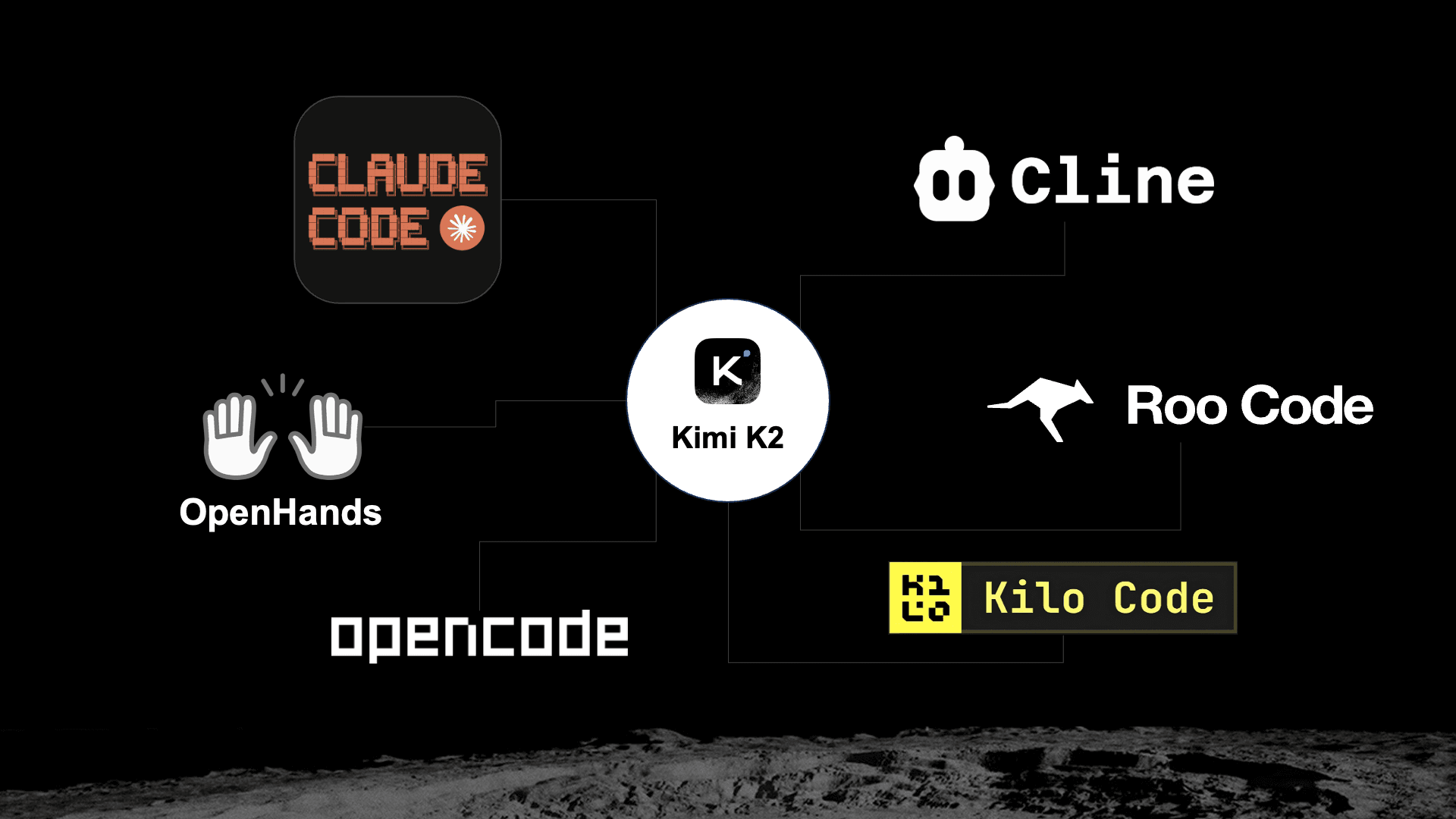
Based on recent API consumption, these are the Top 6 Agentic Coding Tools developers are using with Kimi:
- Claude Code
- RooCode
- OpenHands
- Kilo Code
- Cline
- OpenCode
🛠️ Integration Guides
Ready to pair program with Kimi K2 in your favorite tool? We have compiled the setup guides to get you started.
1. Claude Code, Cline & RooCode
For these three popular tools, we have provided specific setup instructions for each on our documentation page. You can easily configure the Base URL and API Key by following the guide (opens in a new tab) below:
View Setup Guide (opens in a new tab)
2. More Community Favorites
For other top-tier agents on the list, please refer to their specific documentation for Kimi integration:
- OpenHands - An open-source software development agent. Setup Guide (opens in a new tab)
- Kilo Code - A new way to code with AI. Setup Guide (opens in a new tab)
- OpenCode - Focusing on mobile and cross-platform development. Setup Guide (opens in a new tab)
💡 Tip
If speed is your priority, we recommend using the kimi-k2-turbo-preview and kimi-k2-thinking-turbo models. These models are optimized for high-speed generation, capable of reaching up to 100 tokens/s.
Community & Support
We're here to help and would love your feedback. Reach out anytime:
- Email: [email protected]
- Forum: https://forum.moonshot.ai/ (opens in a new tab)
- Discord: https://discord.com/invite/TYU2fdJykW (opens in a new tab)
- Reddit: https://www.reddit.com/r/kimi/ (opens in a new tab)
This newsletter showcases the top 6 coding agents that developers are using with Kimi K2, providing setup guides to integrate Kimi into popular development tools for enhanced coding productivity.
Thank you for building with Kimi.
The Kimi API Team
2026 © Moonshot AIConsoleDocs